
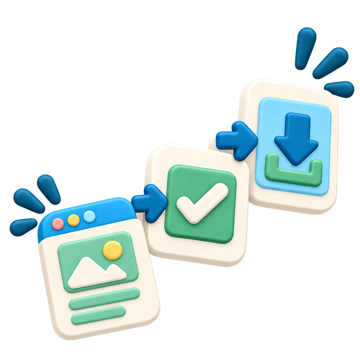
Buying a digital product should feel simple, not confusing. There's no account to create, no shipping to wait for, and no fine print to hunt down — just four short steps between finding a resource you like and having it open on your screen.
-
 1
1
Browse & Preview
Explore the Shop by category, grade, or product type. Every listing shows the price up front, and Quick Preview lets you flip through watermarked sample pages before you decide.
-
 2
2
Choose a License & Check Out
Pick the license that fits — Personal, or add the Extra Teacher License where available — then check out as a guest. No password account required, and your cart shows the price and total before tax; any tax is shown on the secure payment page before you pay.
-
 3
3
Download Instantly
As soon as payment goes through, your files are ready — no waiting, nothing mailed. You'll get an instant download link and a receipt email with download links (valid for 7 days) and a button into My Library.
-
 4
4
Access Anytime in My Library
Sign back in with your email and a one-time 6-digit code — no password to remember. Re-download as often as you need, and product updates appear automatically.